Family safetywithout surveillance.

SafeParent gives families clear screen-time rules, safer browsing, location tools and a respectful way for children to ask for more time.
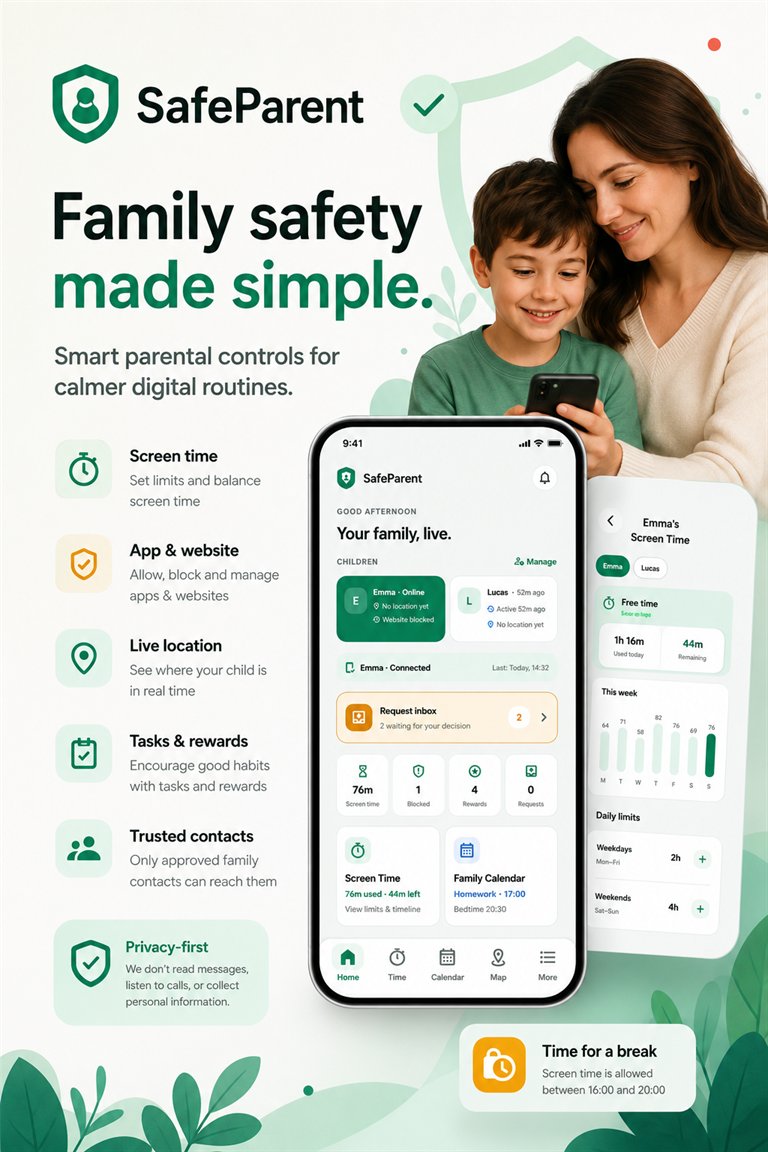
SafeParent family safety app preview

Clear boundaries

Rules everyone can understand
Healthy routines

School, bedtime and free time

Family connection

Requests, rewards and trusted contacts

Purposeful data

Only what enabled features need

Privacy-first parental control for modern families.

Everything families need, explained clearly. Smart screen time, app approvals, website protection, family location, place alerts, rewards and managed protection work together—without reading private conversations or collecting unnecessary data.
SafeParent Android app dashboard and family safety controls
Common questions

What families ask before getting started

What can SafeParent help families manage?

SafeParent provides screen-time routines, website and app rules, family location tools, place alerts, tasks, rewards and child-to-parent requests.

Does SafeParent read private messages?

No. SafeParent does not read messages, emails, photos, social media conversations or call logs.

What is the difference between Standard and Managed protection?

Standard protection works without resetting the phone. Managed protection requires special Device Owner setup and can enforce stronger app and device restrictions.

Can children ask for more time or app access?

Yes. Children can send clear requests to a parent, who can review and approve or decline them.

Can I try SafeParent before installing it?

Yes. The live browser demo uses sample data and does not require an account.

NO ACCOUNT NEEDEDTry the live demo